
Practice management · Windows and Android
Patients, scheduling, visits, notes, files, forms, messaging, tasks, inventory and billing — one login, one record, one place. It runs on the computers you already own, and Blues runs there with it.
Try it free for two months Every feature, written down →
A day with it
Not a feature list. What the software is actually doing while you work.
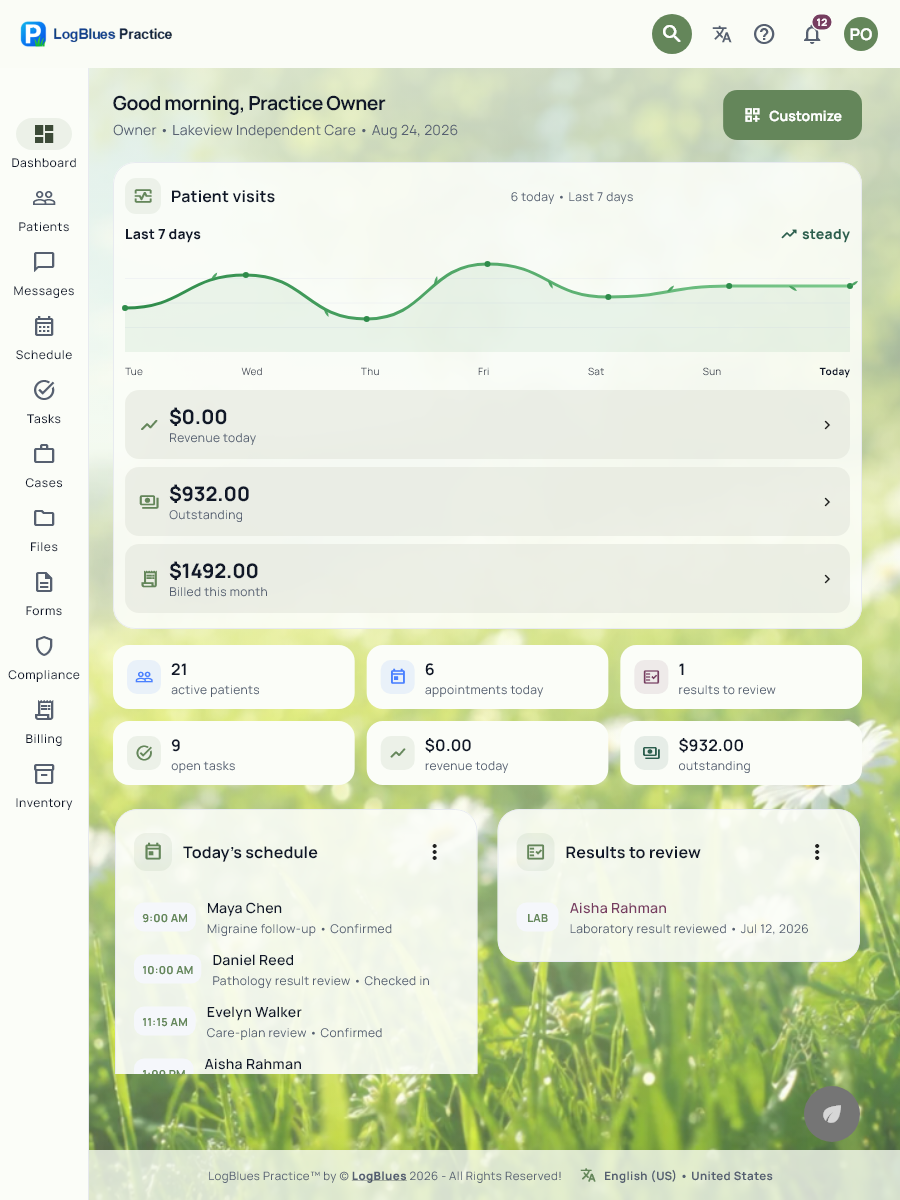
Who is coming, what is outstanding, what needs a person today. The overnight reminders already went out. Two patients confirmed, one did not, and the one who did not is sitting in a task with somebody’s name on it.
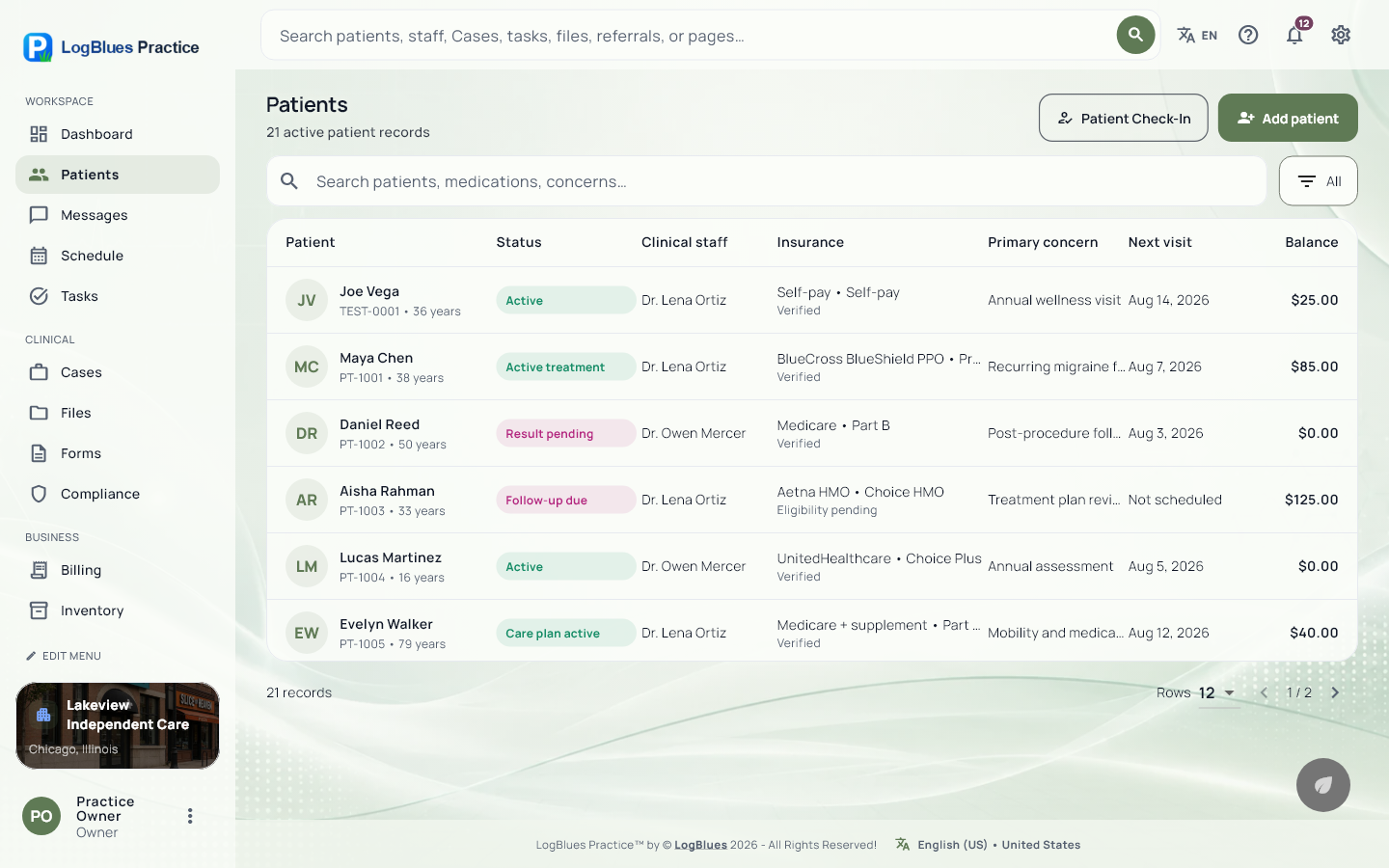
Check-in starts the visit rather than being a step somebody has to remember. Outstanding forms are flagged before they sit down, and last visit’s unresolved thread is on the chart where you will see it.
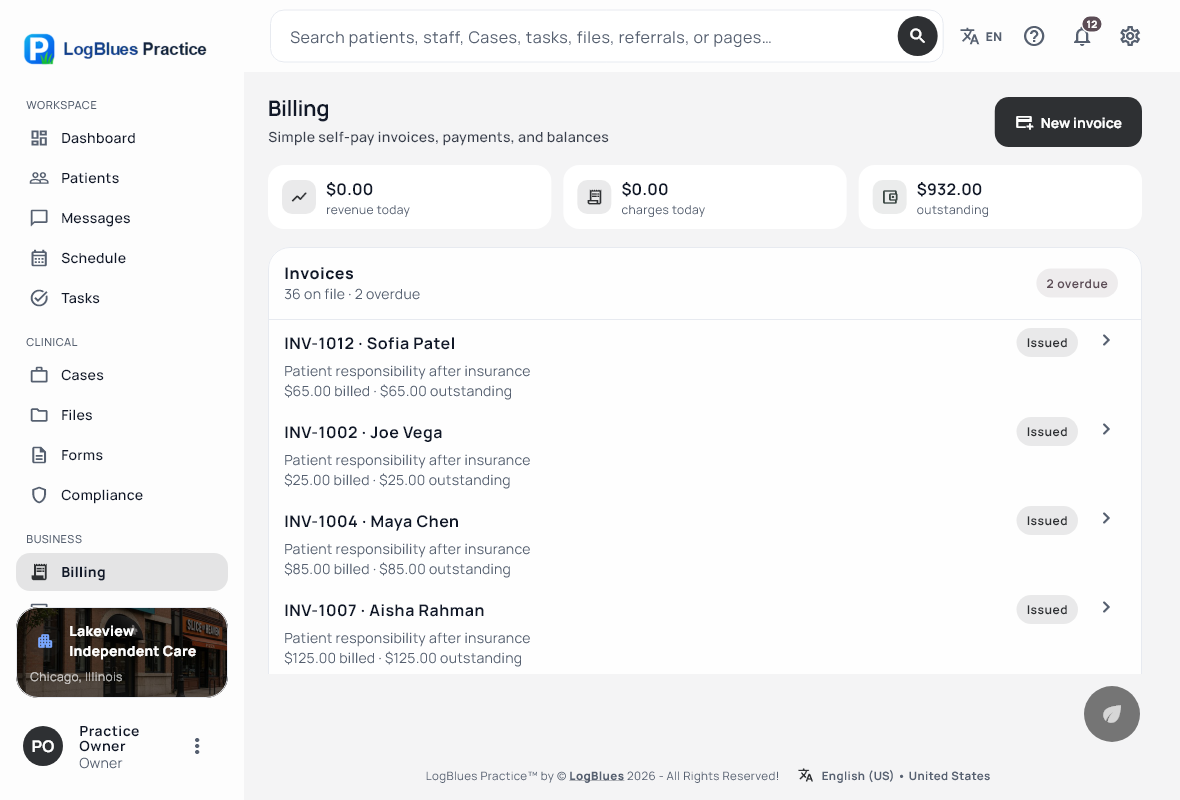
Vitals, note, procedures and codes in the same place as the visit. CPT, HCPCS and ICD-10-CM at the point of care, so month-end is not a second job. Ask Blues to draft it and you edit rather than type.
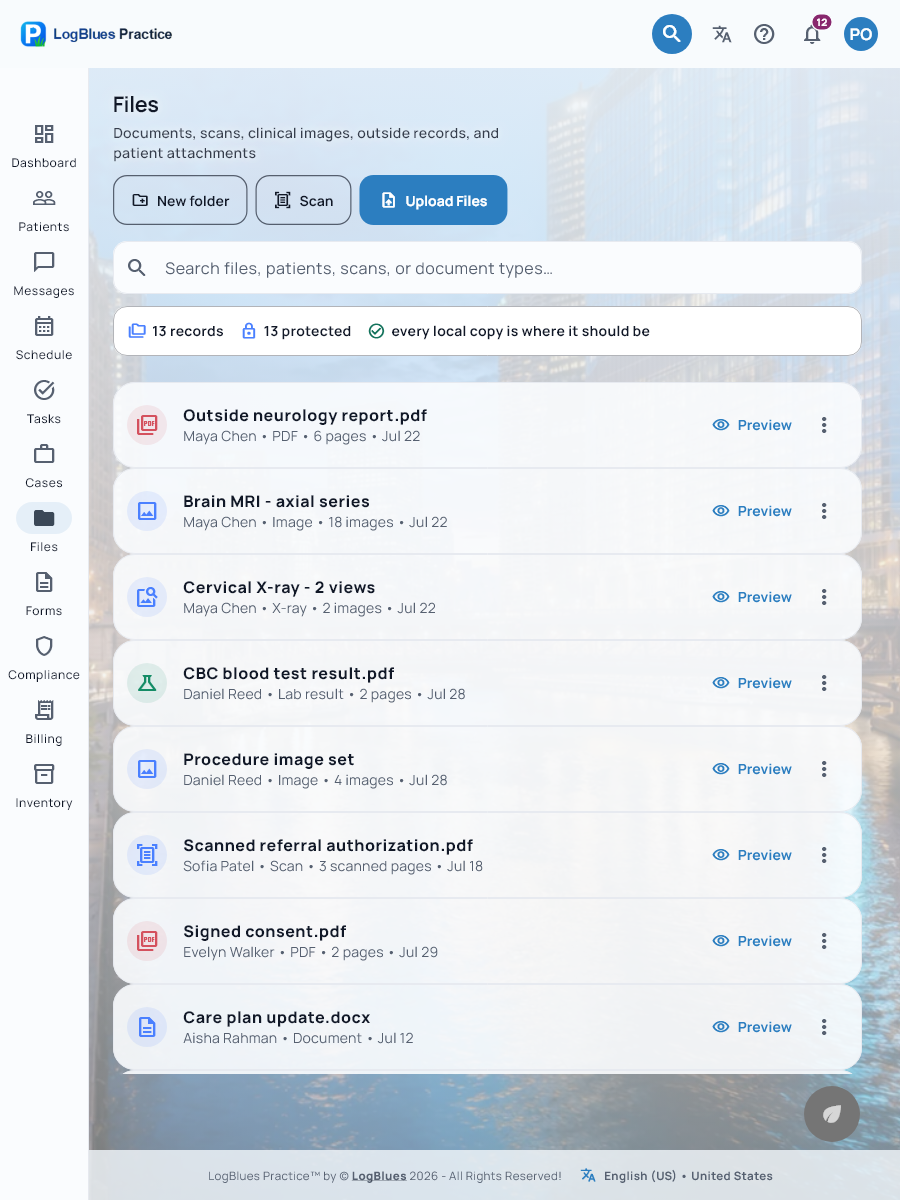
It attaches to the chart. If it is sensitive it stays locked until someone re-authenticates, so a chart left open on a shared machine does not show it to whoever walks past. You message a colleague about it in a thread attached to that patient.
And comes back to a named person on a date, instead of going quiet for three weeks until the patient calls to ask what happened. The case holds the whole episode so the next clinician does not start from nothing.
Stock that hit its reorder point already asked. Tomorrow’s reminders are queued. The notes are written, because they were written at the time. That last one is the whole argument.
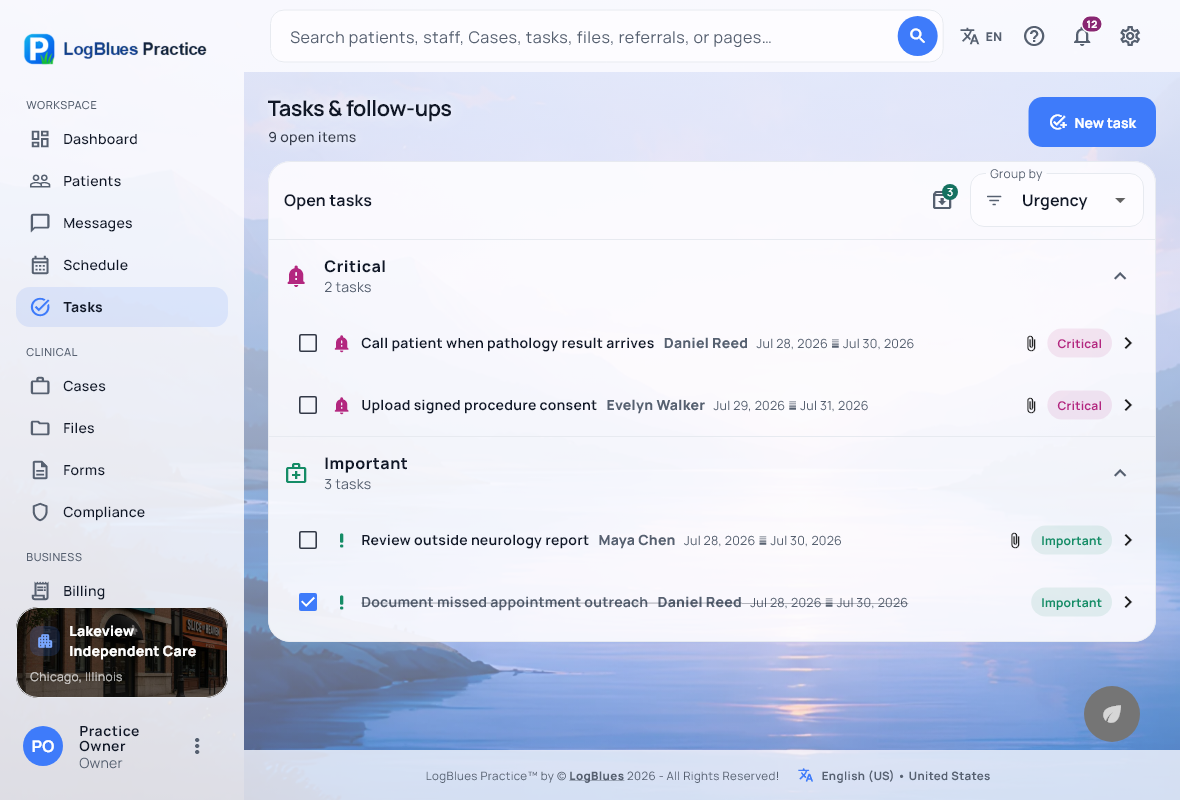
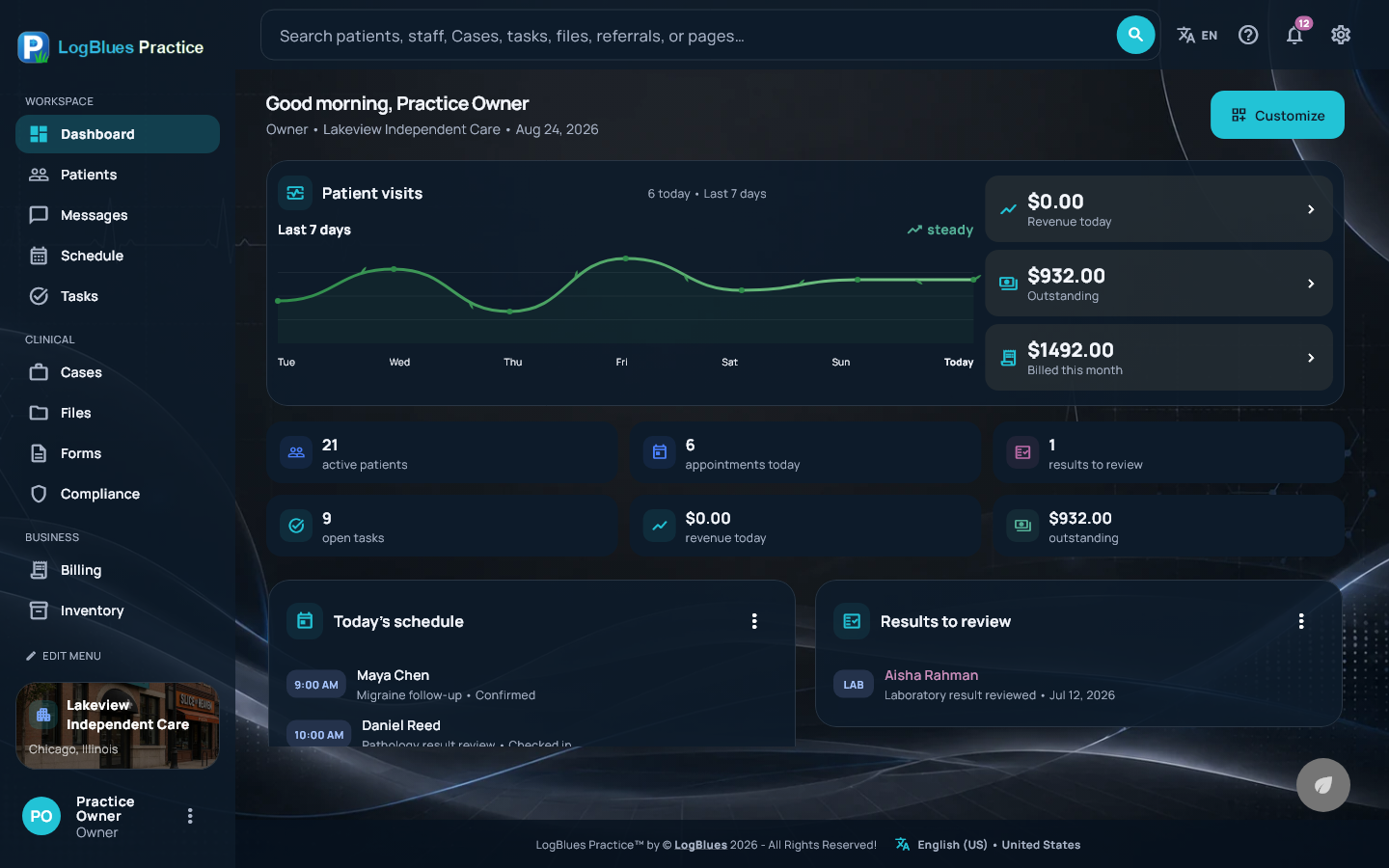
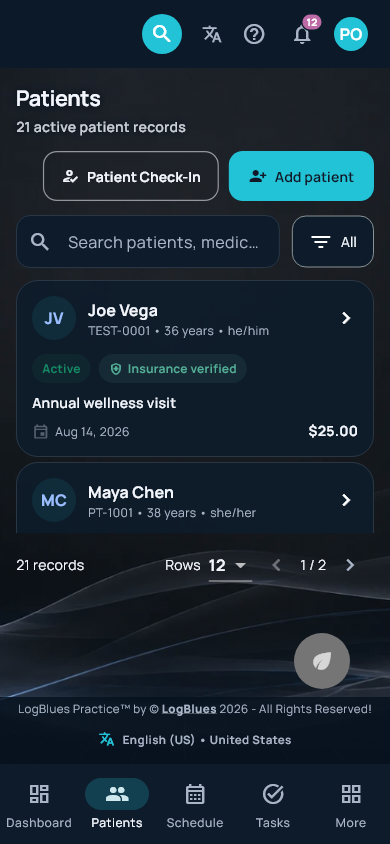
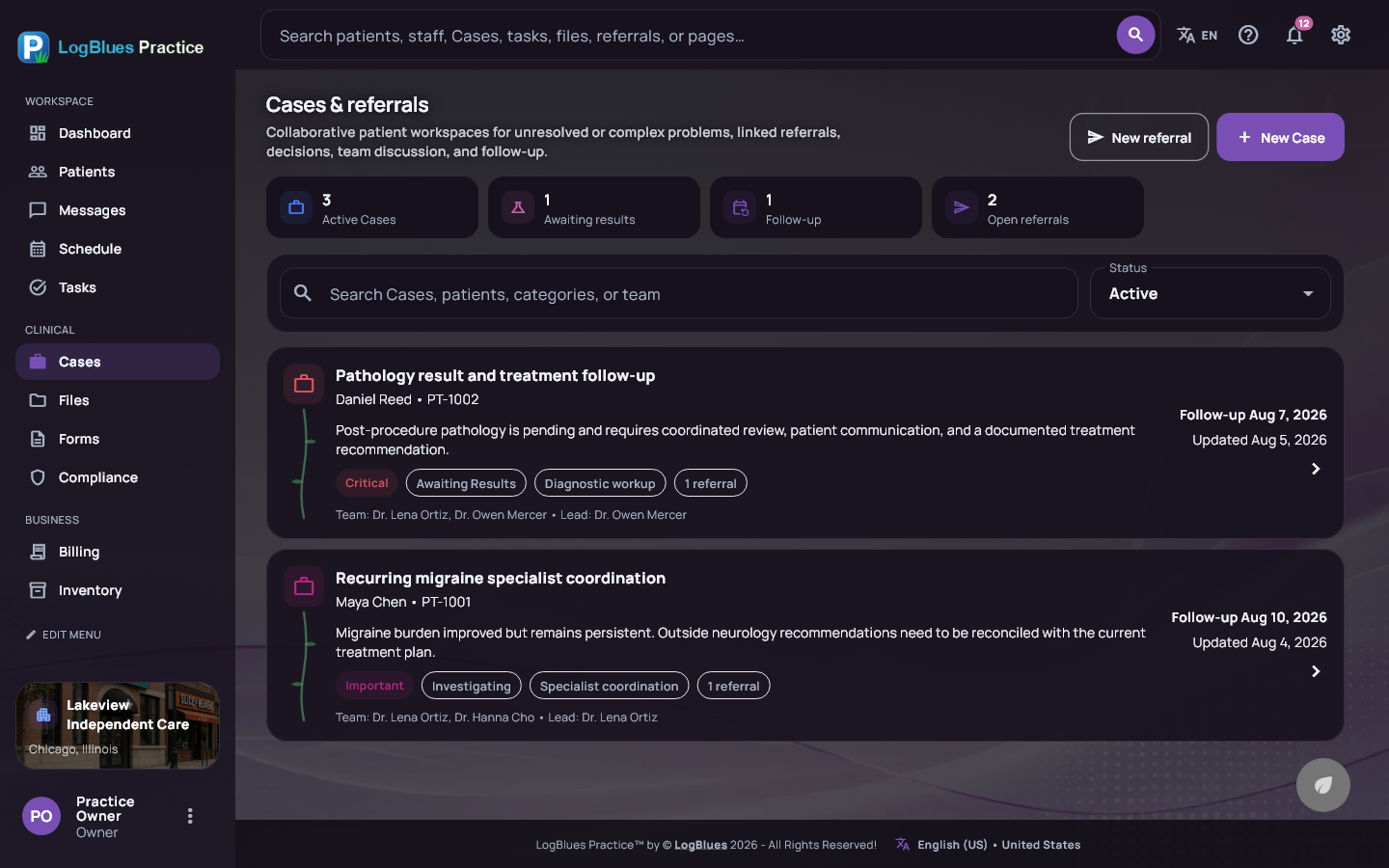
Every screen
The same software at every size — a big monitor at the front desk, a laptop in the office, a phone in your pocket. Three different themes here; there are twenty-one.
WindowsAndroidLight & darkTwenty-one themes
Side by side
Five of the screens you would actually be in, each in a different theme. Not five products with five logins — one workspace, one record underneath all of them.
One loginOne recordWorks offline
Blues
Ask it to find a patient, draft a note, pull up who is overdue, or set up a task. It answers from the records already on the computer in front of you, because the model is on that computer too.
Nothing you type is sent anywhere to get an answer. There is no per-message cost, because there is nothing being bought on your behalf. And it is on the $50 plan, not held back for the expensive one.

Make it yours
Pick what your practice actually uses at setup, from dental to home health. Change it later without a migration.
Forms, letters and invoices come out looking like they came from your clinic, because they did.
Seven on every plan, fourteen more with Premium. Light and dark, set per person — which sounds frivolous until you have looked at the same grey screen for nine hours.
See them all →The front desk can work in Spanish while the chart stays in English. A language only appears once the interface behind it is actually translated — which is why there are two rather than a list of twenty-eight with no screens behind them.
Threads attached to the patient they are about, files that travel with them, and roles deciding who sees what. Clinical discussion stops happening in consumer chat apps because there is somewhere better.
Dates, times, numbers, units and clinical conventions follow the region you pick — with the United States and Mexico at launch.
Security
Encryption at rest, roles that decide what each person reaches, re-authentication before protected health information appears on screen, and an audit trail that cannot be edited after the fact. All of it on the cheapest plan.
We sign a Business Associate Agreement on request, free, on any plan. What we will not tell you is that installing software makes a practice compliant — it does not, and anyone selling you a checkbox for that is selling you something else.
How it is protected →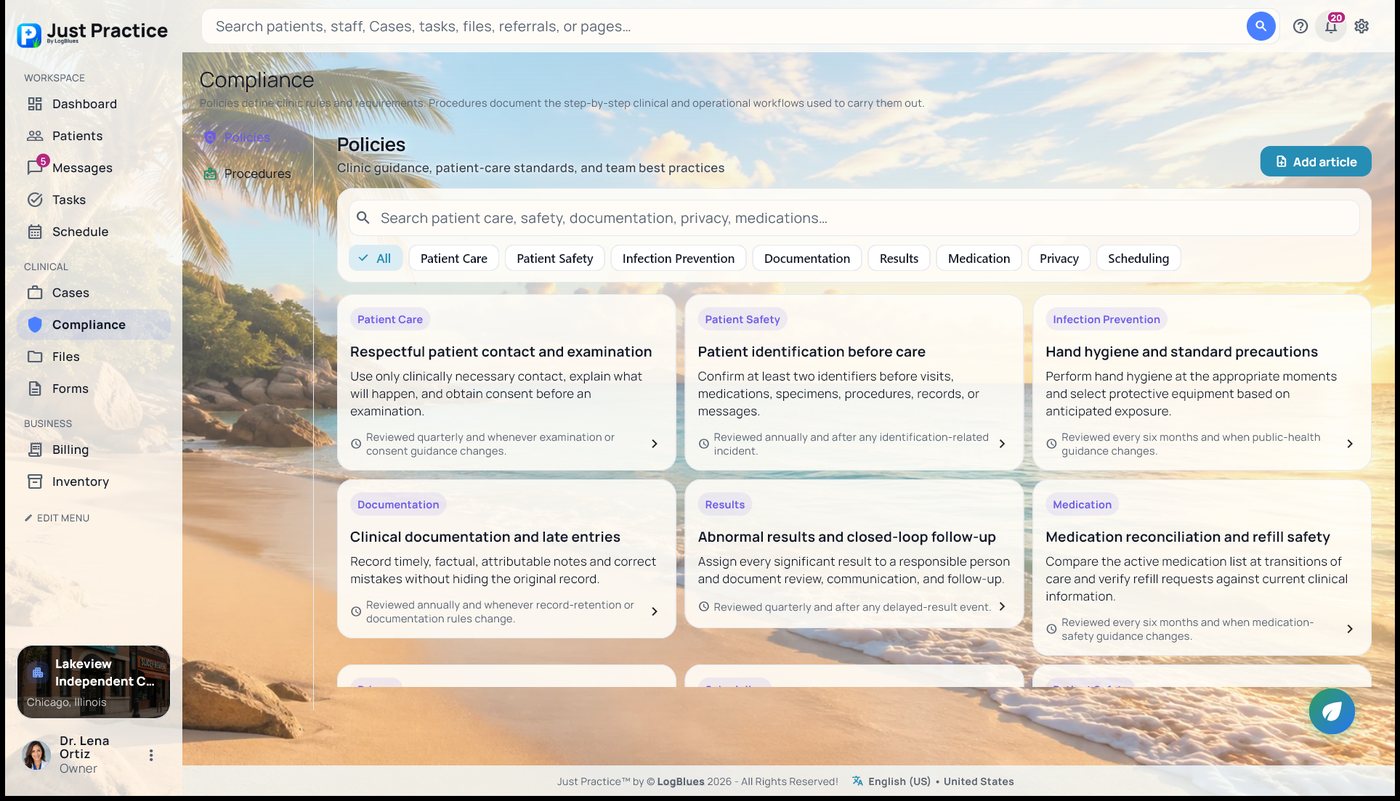
Try it
Install it, put one real week of your schedule through it, and run a month-end before you decide anything. That tells you more than a demo call, and nobody has to sit through the demo call.
Start free See the plans →