Files
Paper in, attached to the right patient
Press Scan and LogBlues drives the scanner on your desk. On a phone, the camera is the scanner.

Files
Press Scan and LogBlues drives the scanner on your desk. On a phone, the camera is the scanner.
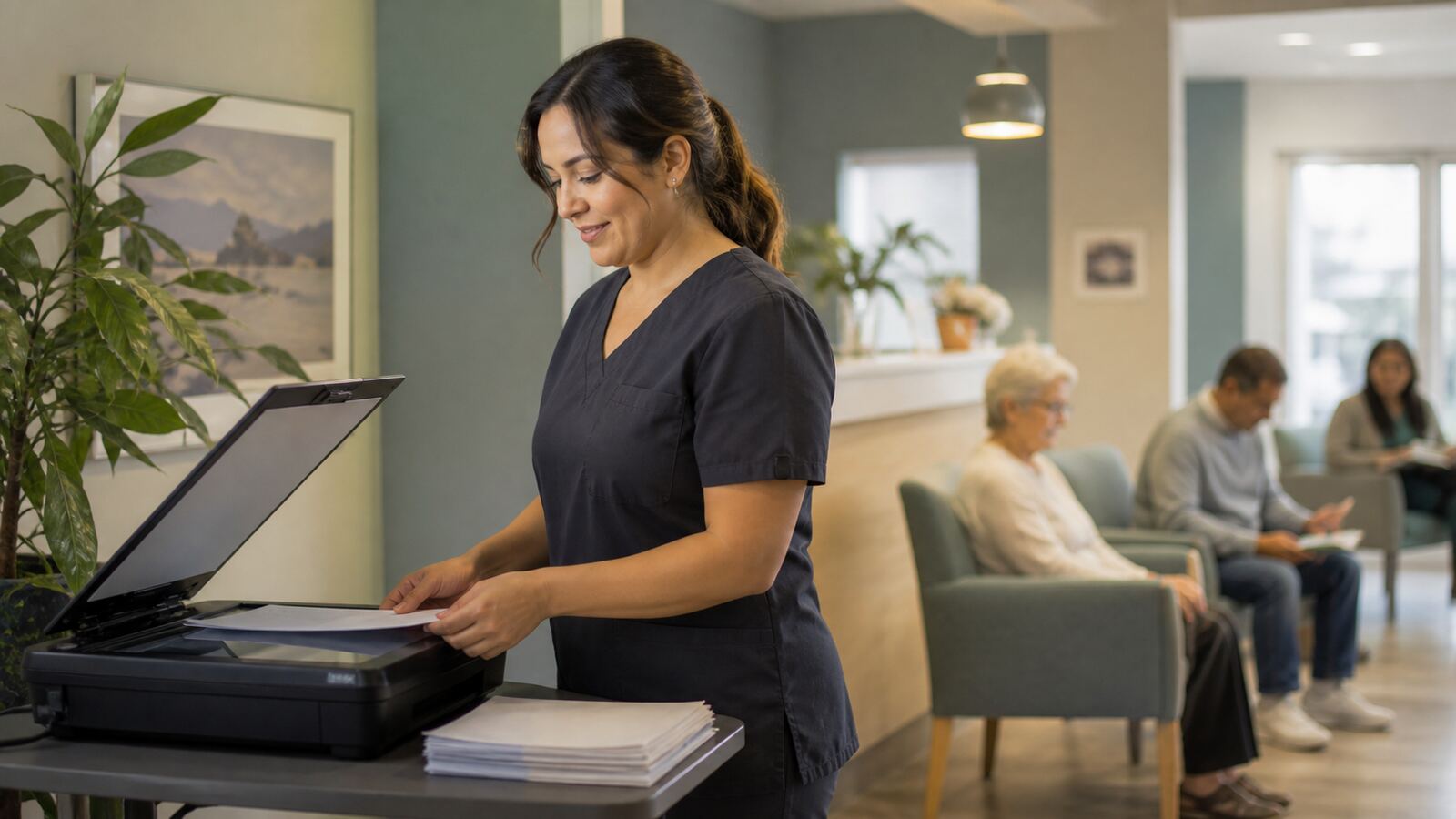
Scanning goes through Windows Image Acquisition, the same interface your HP, Canon, Epson or Brother driver already registers with. Your scanner’s own dialog handles device choice, resolution and color, because your driver knows your hardware better than we do.
The page comes back, you attach it to a patient, and it is filed. If no scanner answers, you get a plain explanation and the option to import a file instead. No pretending.
Opening protected results requires a one-time code sent to your email. The code is generated from a cryptographically secure source, expires in ten minutes, and arrives from a domain-verified, DKIM-signed sender.
The unlock lasts for that session only. Sign out and the door shuts again.
This is one part of LogBlues, the local-first practice workspace. The full picture is on the features page, and the product page shows it running.