
Emergency carts
Know what is inside. Know what needs attention.
Keep cart contents, inspections and restocking together, so the next shift can see what was checked and what still needs attention.

How it works
Set it up. Check it. Restock it.
Set up the cart with its name, location, seal number and check interval. Link its contents to Inventory, then record compartments, target quantities, lots and expiry dates.
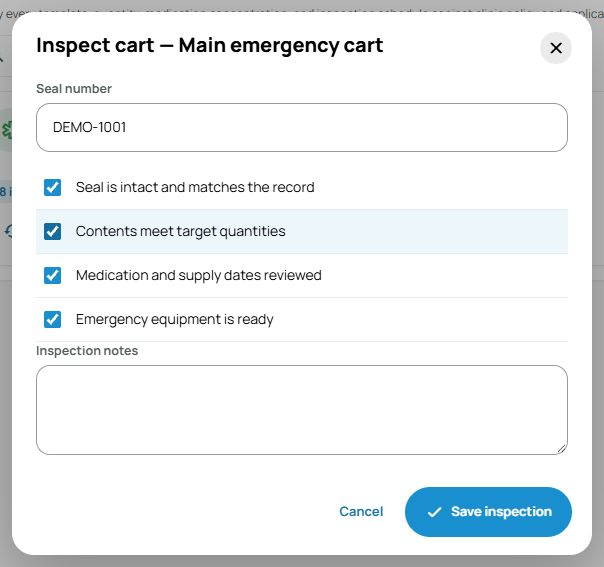
Perform the physical check and record the seal, quantities, dates and equipment readiness. Saving the inspection keeps the result, staff member, date and notes in that cart’s history.
When something needs attention, follow the restock task. Open the contents list, record the replacement supplies and complete the appropriate readiness check. The inspection history stays with the cart for the next shift.
Where do we find emergency carts?
Open Inventory, then Emergency Carts.
Who decides what belongs in each cart?
Your clinic sets the required contents, quantities and inspection schedule according to its procedures and requirements.