
Procedures
A procedure catalog shaped around your clinic.
Choose your clinic type during setup. LogBlues brings together the relevant specialty procedures and shared workflows, ready for your team to review and adapt.

How it works
From clinic type to your own procedure.
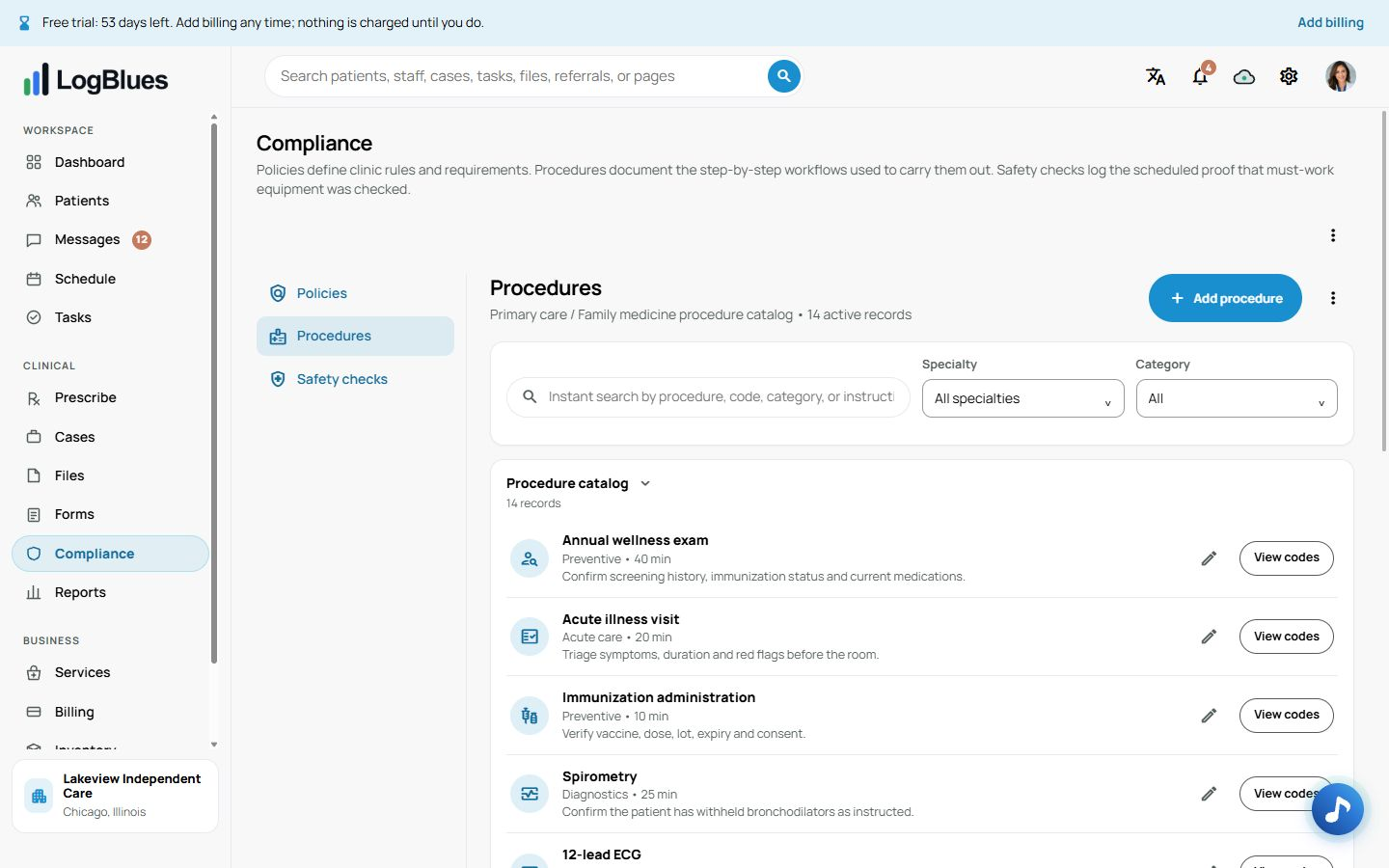
Your clinic type supplies the starting list. Primary care starts with procedures such as consultations and wellness visits; other specialties have their own catalog. Choose several specialties and LogBlues combines their procedures without repeating the same internal identifier.
Open a procedure to review its category, typical duration, preparation and follow-up. Linked clinic services stay connected, so staff can move from the clinical workflow to the service they need. Prices are managed under Services.
Owners and administrators can add a clinic procedure or edit an existing one. Give it a clear name, a unique internal identifier and the instructions your team has approved. Starter content saves setup time; your clinic reviews and determines the clinical workflow.
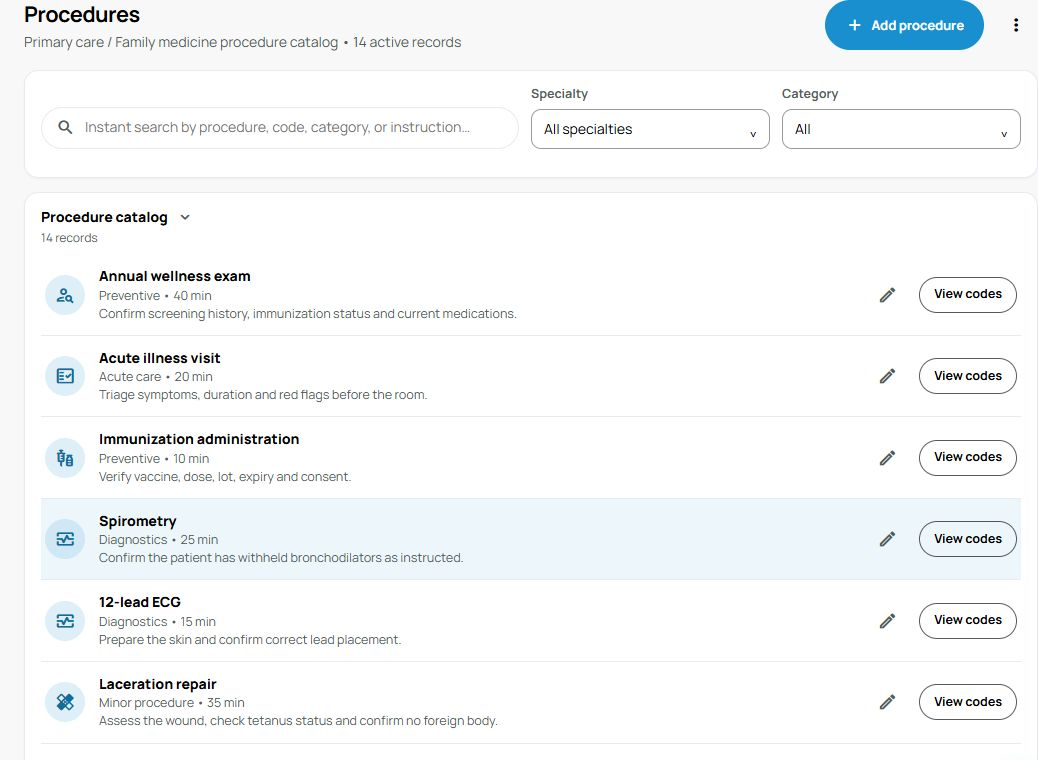
Make the details your team’s own.
Set the name, category, duration, preparation and follow-up instructions in the procedure form.
Can we add our own procedures?
Yes. Owners and administrators can add clinic procedures and edit existing definitions.
Is the internal identifier a billing code?
No. It keeps the procedure reference stable. Billing codes are reviewed separately for the documented service.